
iOS Device
Get support for using the Midco Softphone app on your iOS device.


Get support for using the Midco Softphone app on your iOS device.
1. Log in to CommPortal.
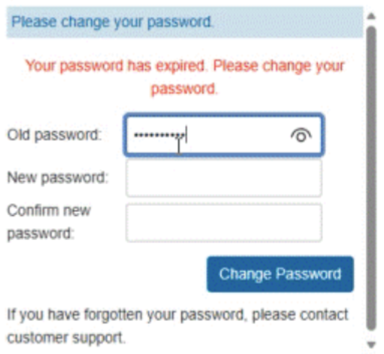
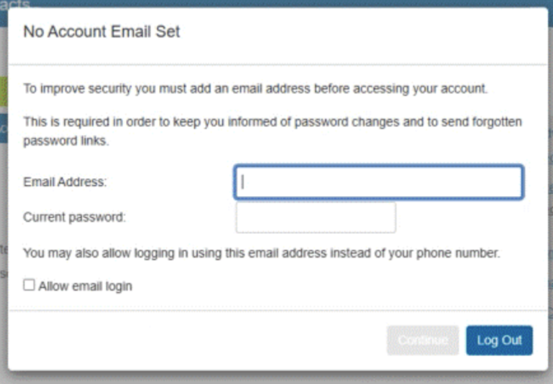
2. Once logged in, a No Account Email Set will pop up on your first log in.
3. Navigate to the Midco Softphone app and log in with your new credentials (the same credentials as your Midco Softphone login).
4. Click Login.
5. Follow the navigation prompts to learn your way around the app.
Important: Allowing the app to run in the background ensures all calls will come through when the app is not in active use. Denying the app to run in the background will improve battery life, but calls may not always come through.